Migration 2026
What is Migration?
Migration is the annual process that prepares your Learning Ladders system for the new academic year. It updates your site by rolling students up to their new year groups and transitioning to the 2026/27 academic year.
Who Can Migrate the Site?
When is Migration Available?
Migration for the 2026/27 academic year will be available from 1st August 2026, unless your school operates on a custom academic calendar.
Do We Need to Migrate Immediately?
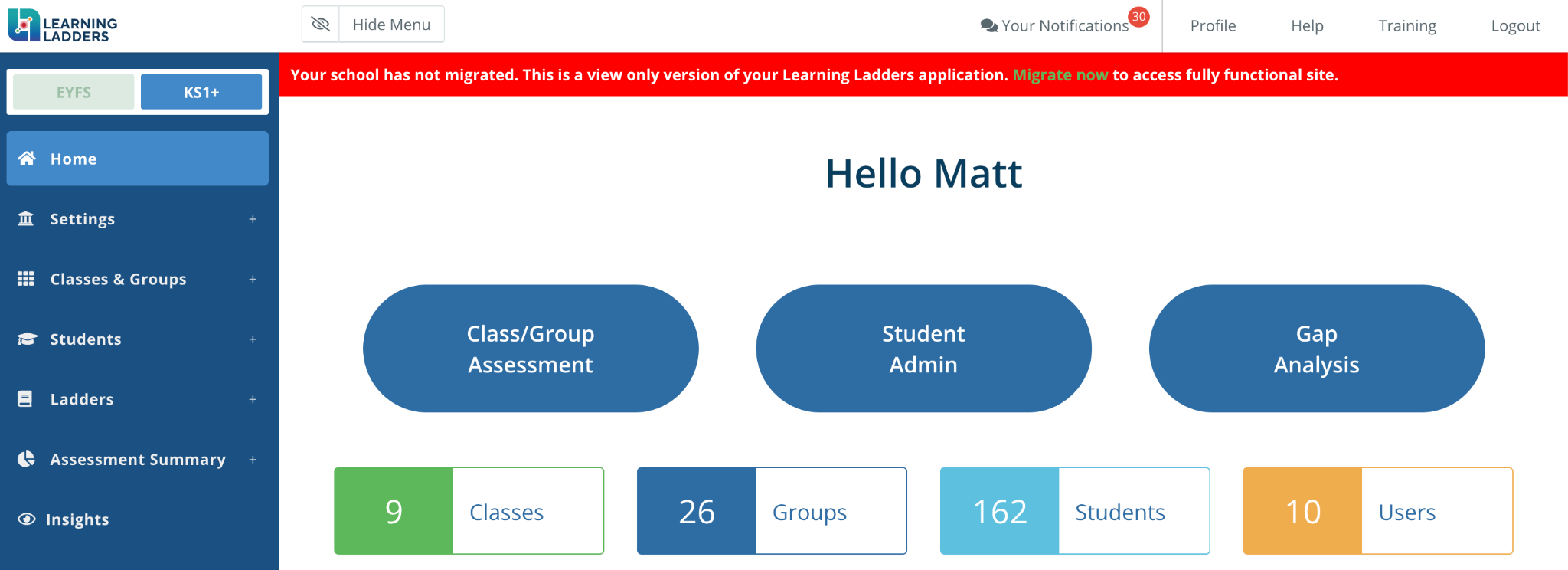
You can begin full migration at any time by selecting “Migrate Now” from the red banner on the Home page.
What Can We Access If We Postpone Migration?
✅ You can download data from Assessment Summaries or Insights in both EYFS and KS1+/Grade I+.
❌ You cannot download student lists from within the platform until migration is complete.
 Note: Until migration is completed, teachers will not have access to any Learning Ladders functionality.
What if We Use Wonde MIS Integration?
Even if your school is connected via Wonde, migration must still be completed manually in Learning Ladders.
Migration of your MIS and Learning Ladders platform are separate steps.
Can We Pause or Undo Migration After Starting?
You cannot pause or roll back after initiating it, and the site will be temporarily inaccessible until migration is complete.
The process typically takes under 10 minutes, provided all required information is ready. We recommend allocating a short dedicated window for this task to ensure a smooth transition.
Next Step: Follow the Step-by-Step Guide for Your School's Set-Up
-
👉 Migration Guide: With Wonde MIS Integration
For schools that sync student and/or parent data through Wonde. -
👉 Migration Guide: Without Wonde MIS Integration
For schools managing student data manually or with a non-Wonde MIS.
Each guide includes detailed, easy-to-follow steps tailored to your specific set-up.